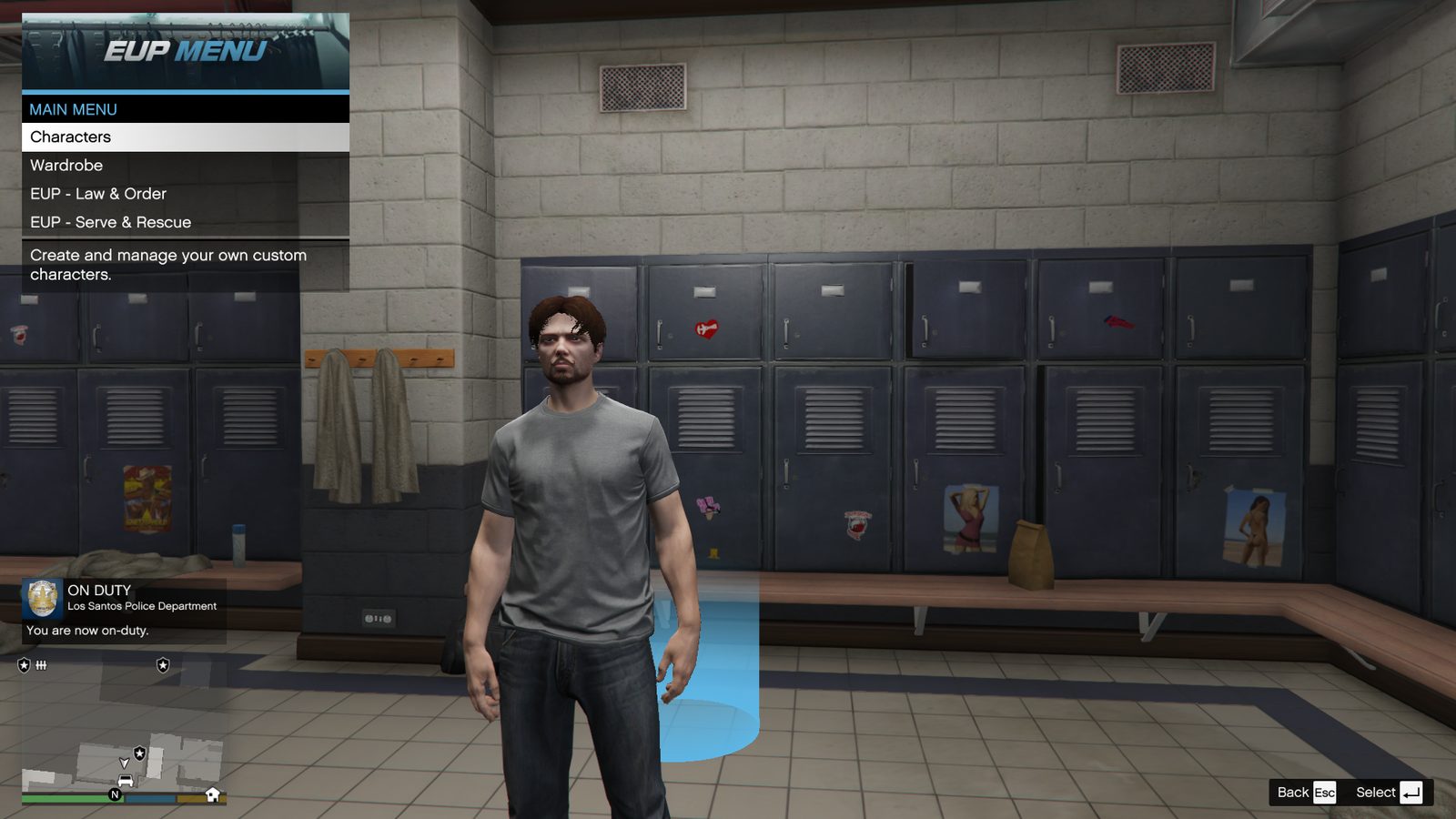
EUP Menu and RAGENativeUI
Open the official download page
Installation
Place EUPMenu.dll in plugins, its configuration folder under plugins/EUP, and the newest compatible official RAGENativeUI.dll in the GTA root.
Files and placement
Read the creator's included documentation and preserve the package's folder structure. Do not replace newer shared dependencies with older bundled copies without checking versions.
Test gate
F11 opens Characters, Wardrobe, Law & Order and Serve & Rescue.
Common mistake
Installing several unknown plugins at once makes failures difficult to isolate.